
Everything Zetein does, from the office to the field
The office organises the work in the desktop app. Field workers receive it and report back from their phones. These are the eight pieces.
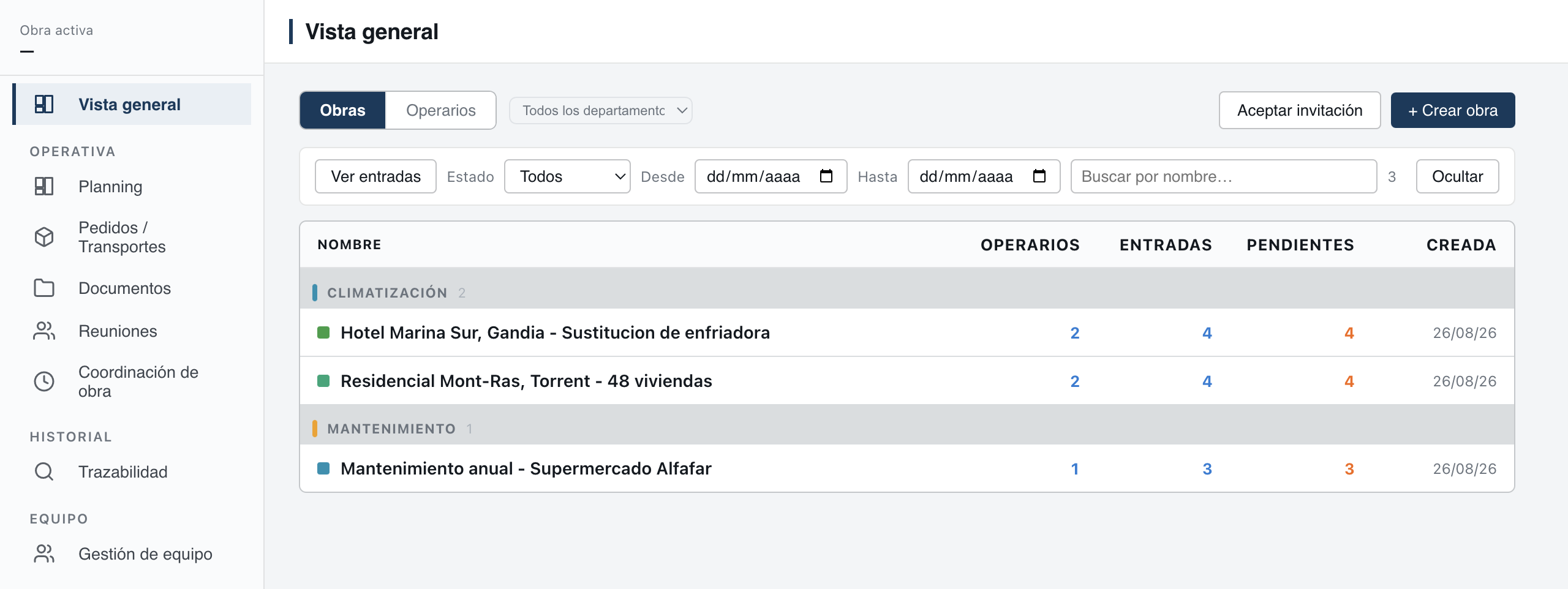
The eight features
Planning
Who goes where, and with what. Tasks, dates, inspections, meetings and progress, by project and by person.
Material requests
Field workers request from their phone what material, how much and how urgently. The office replies in the same request.
Work reports
The customer signs on the phone. A numbered PDF is created and filed in its project.
Issues
What happens out there reaches the office with its photo, inside the job it belongs to.
Documents
Plans, photos and work reports, in folders, in the project they belong to.
Checklists
The points to check on a task, with a photo where needed.
Subcontractors
Invite another company to your project and decide what it sees. Each company's information stays separate.
Offline
What is done without signal is saved on the phone and sent automatically when the signal returns.
Two apps, one job
The desktop app, for Windows and Mac, is the office's: management, project managers and the technical office. The mobile app is for field workers, and project managers carry it too when they are out. What is done in one shows up in the other.
What comes with it
- Notifications on the computer and on the phone when something happens on a project.
- A search that finds projects, work reports, requests and documents.
- Traceability: the record of who did what and when on each project, which nobody can change or delete.
- Export of work reports to Excel and of all projects to a file.
- End-to-end encryption of project data. See security.
What Zetein does not do
Zetein organises the work. It does not handle quotes, invoicing or stock, it does not take customer service requests and it does not manage maintenance contracts. It works alongside the software you already use for that.
Questions
Do we have to use every feature from day one?
No. Start with what you need most: organising tasks, requesting materials or completing work reports. Add the rest at your own pace.
Are the features paid for separately?
No. The price includes all of Zetein, for up to 49 users per company. See pricing.
Do field workers use the computer?
No. Field workers use the mobile app. The office uses the desktop app and, when out, the mobile app too.